
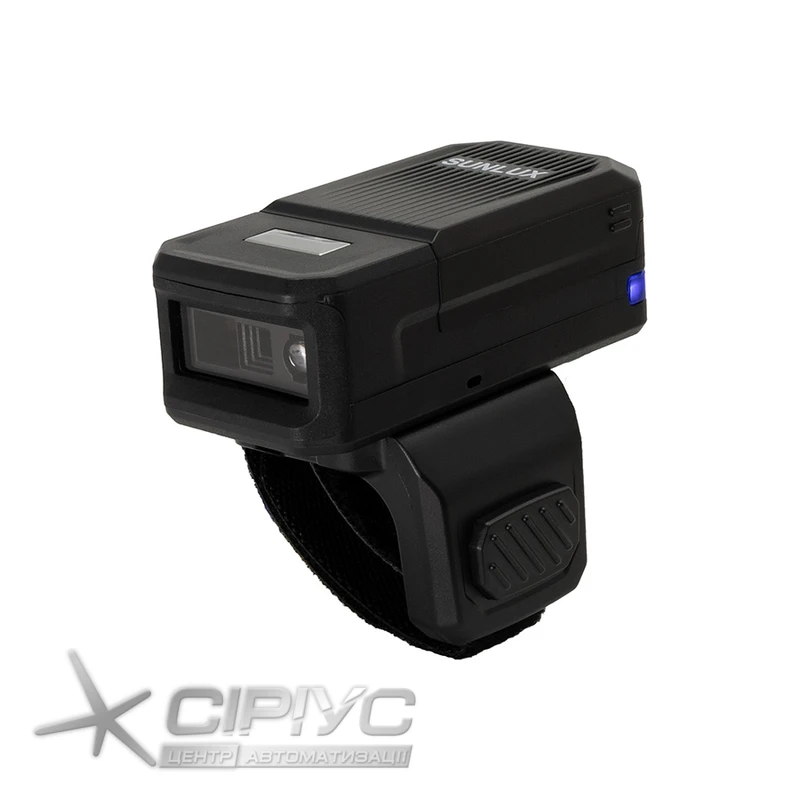
Barcode scanners
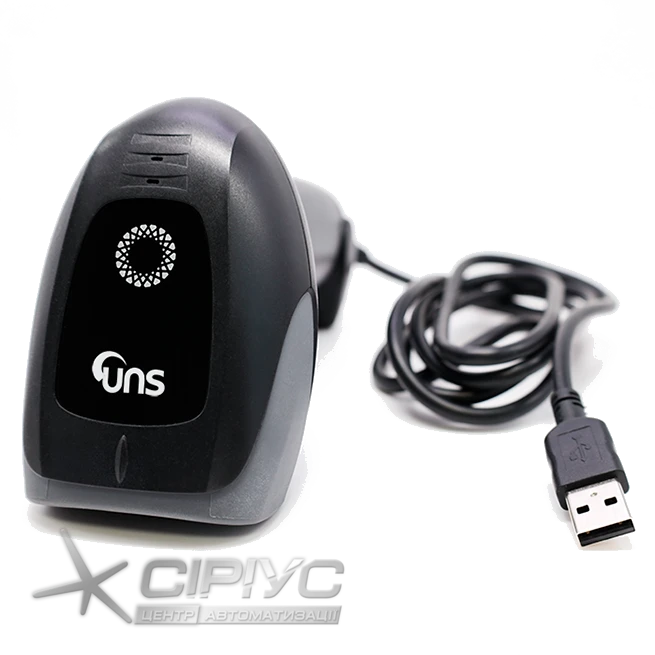
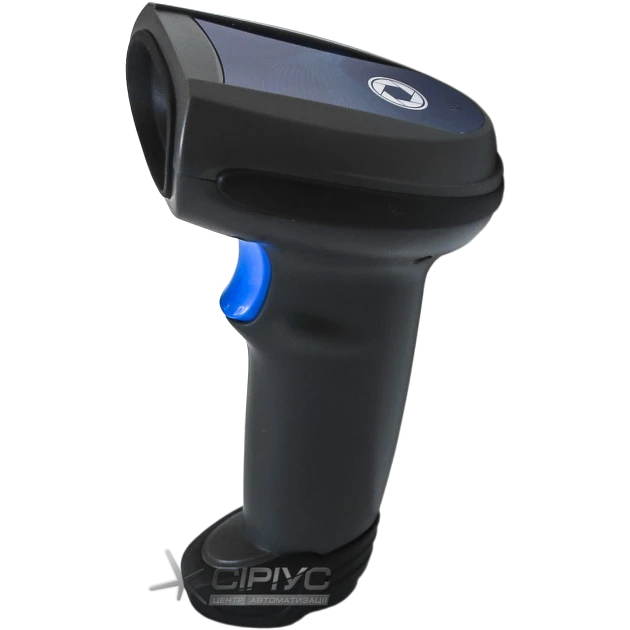
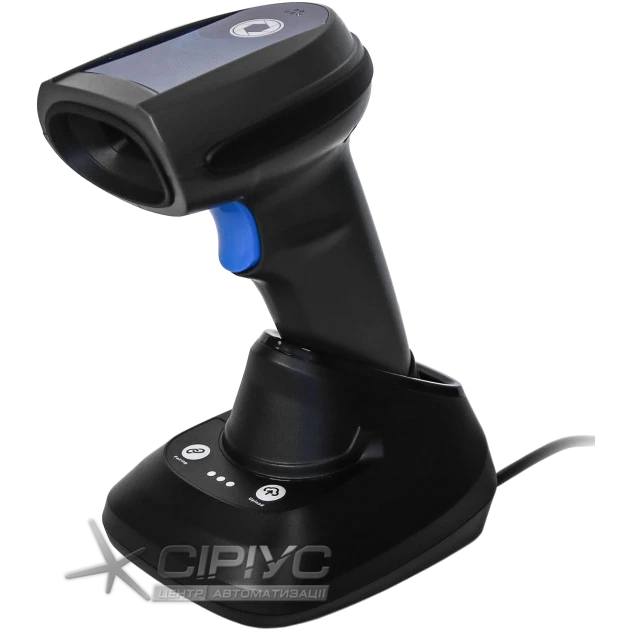
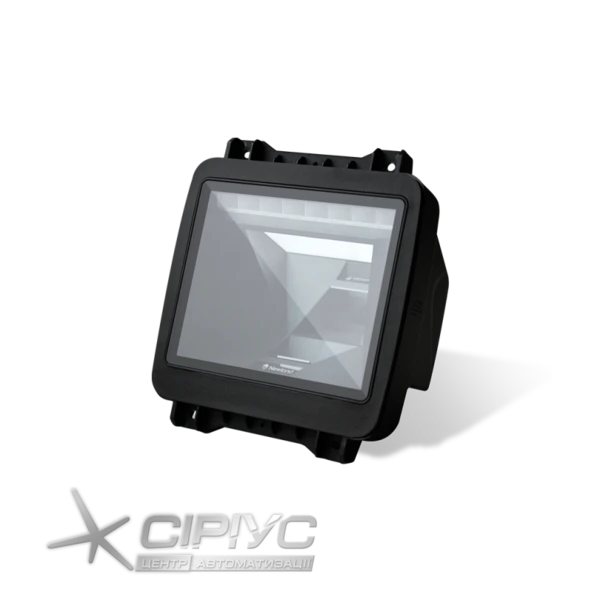
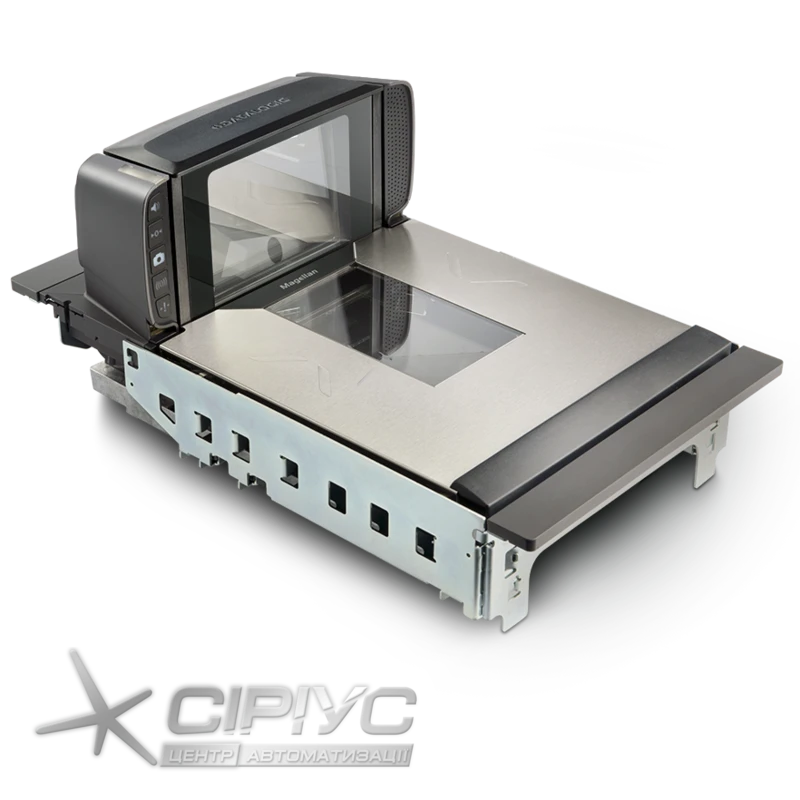
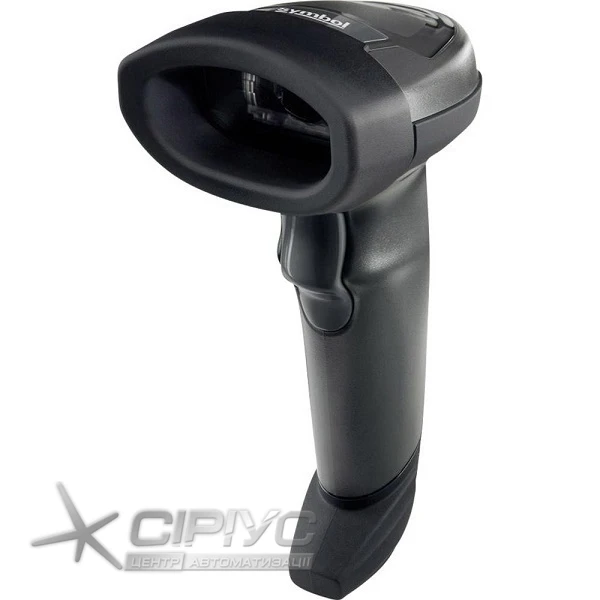
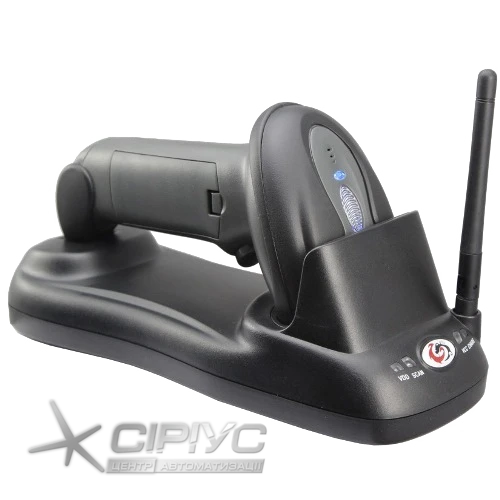
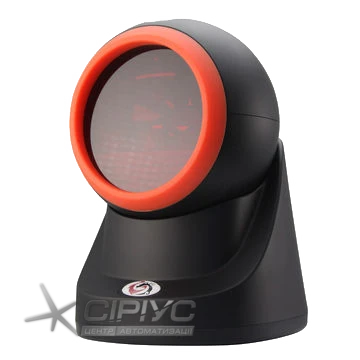
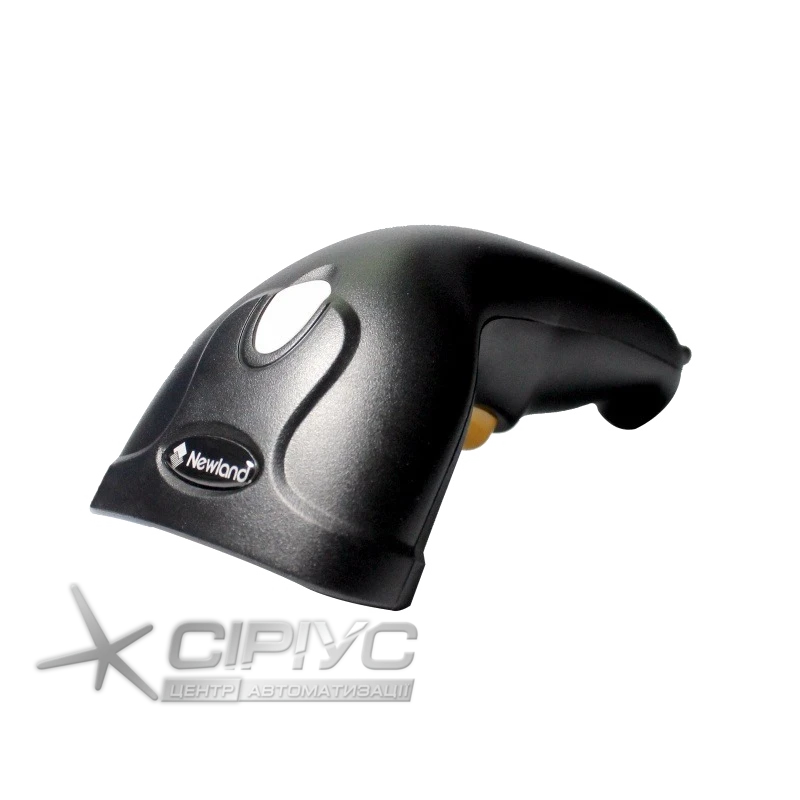
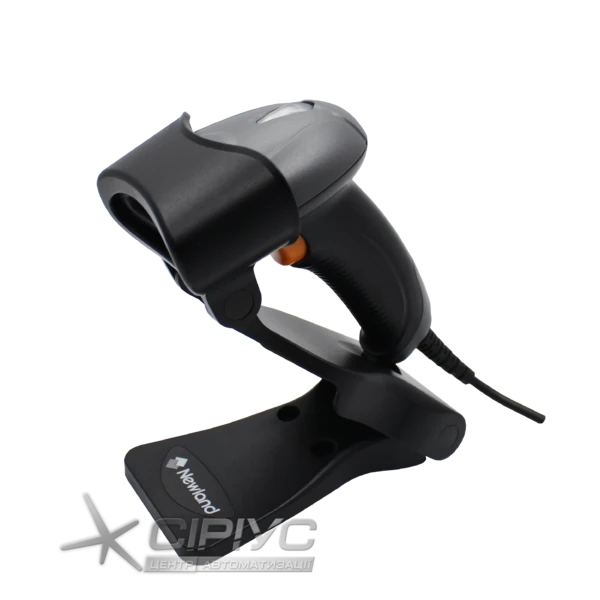
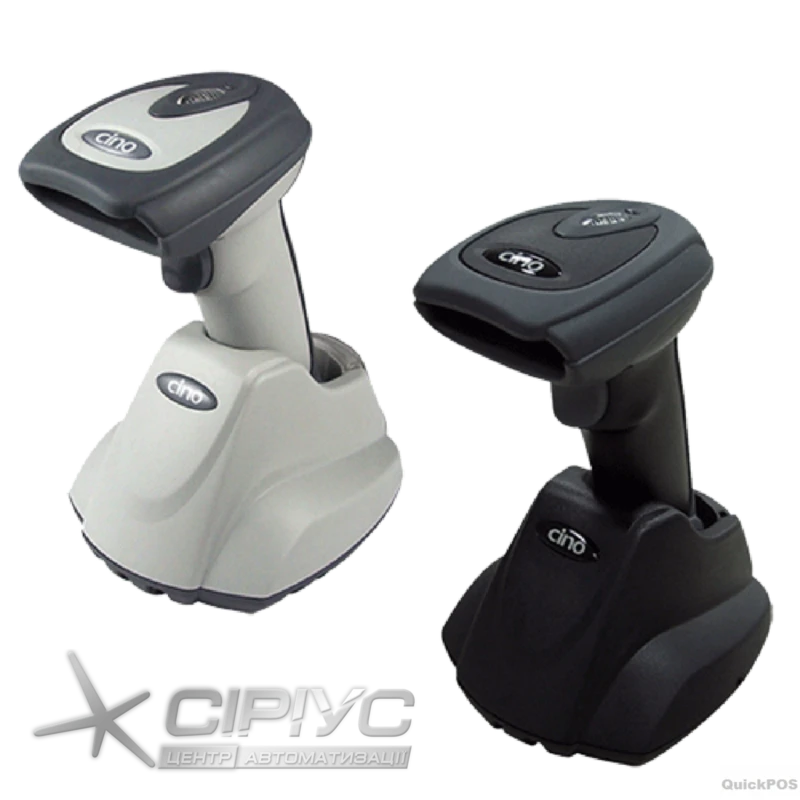
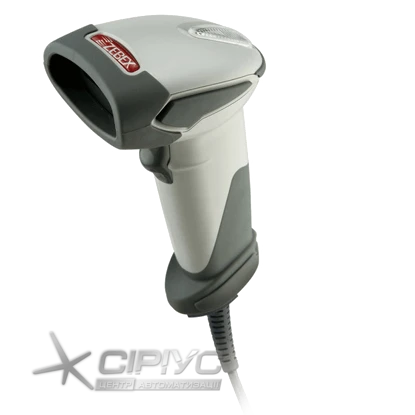
No products match these filters
Main characteristics of barcode scanners
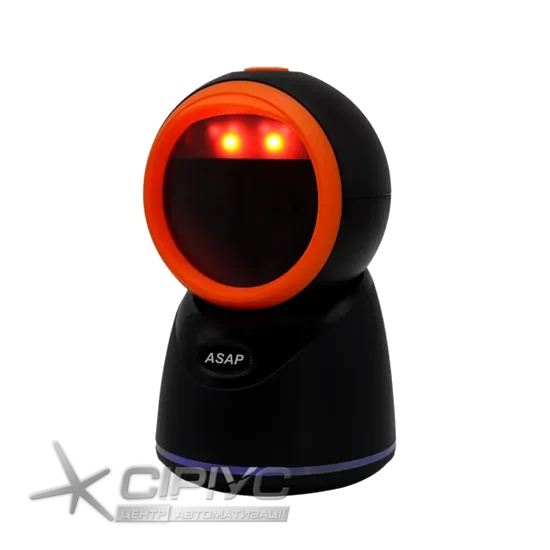
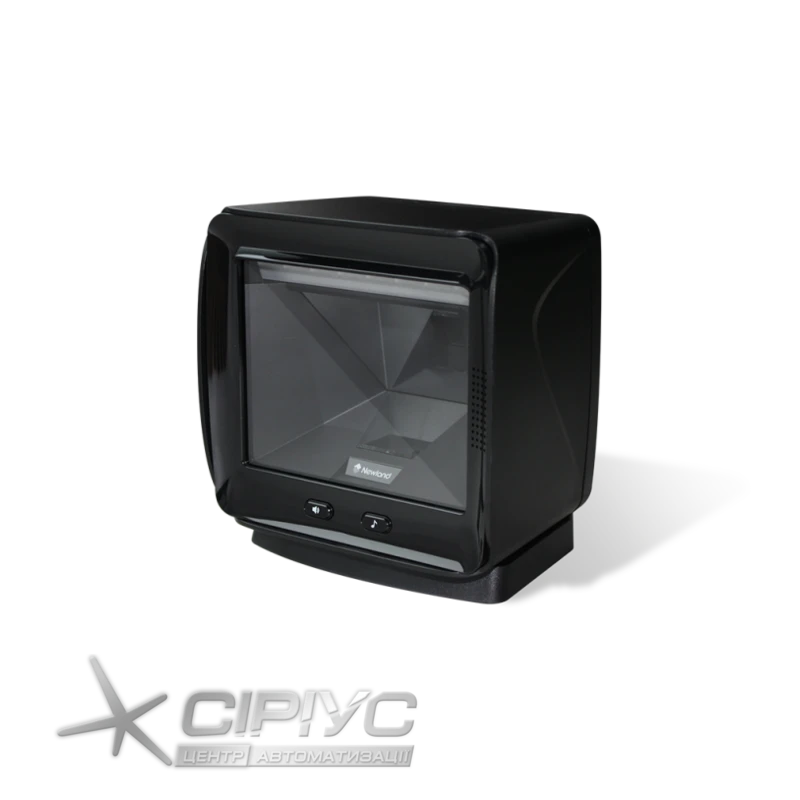
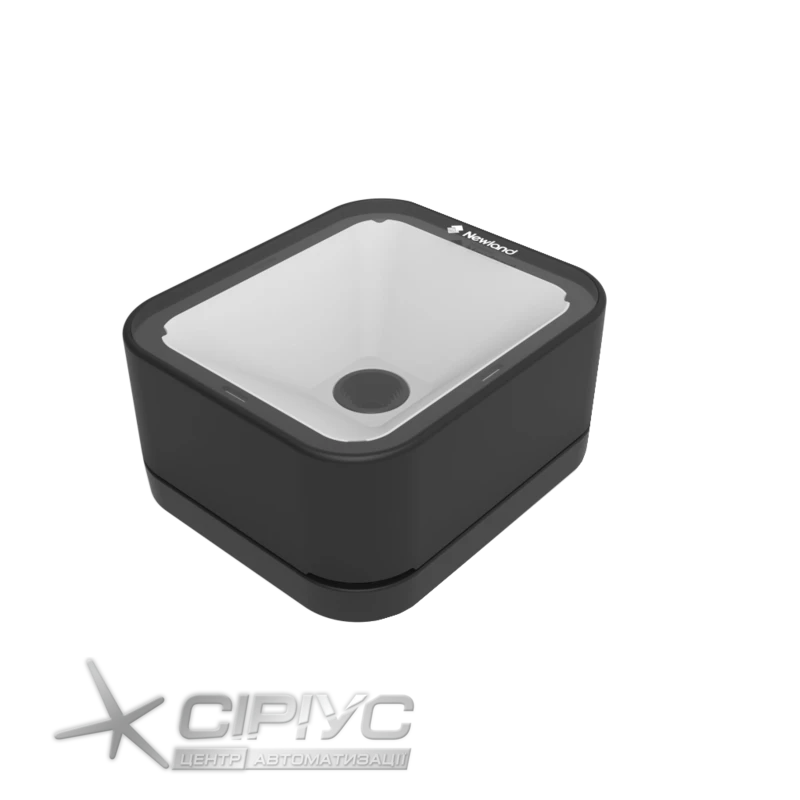
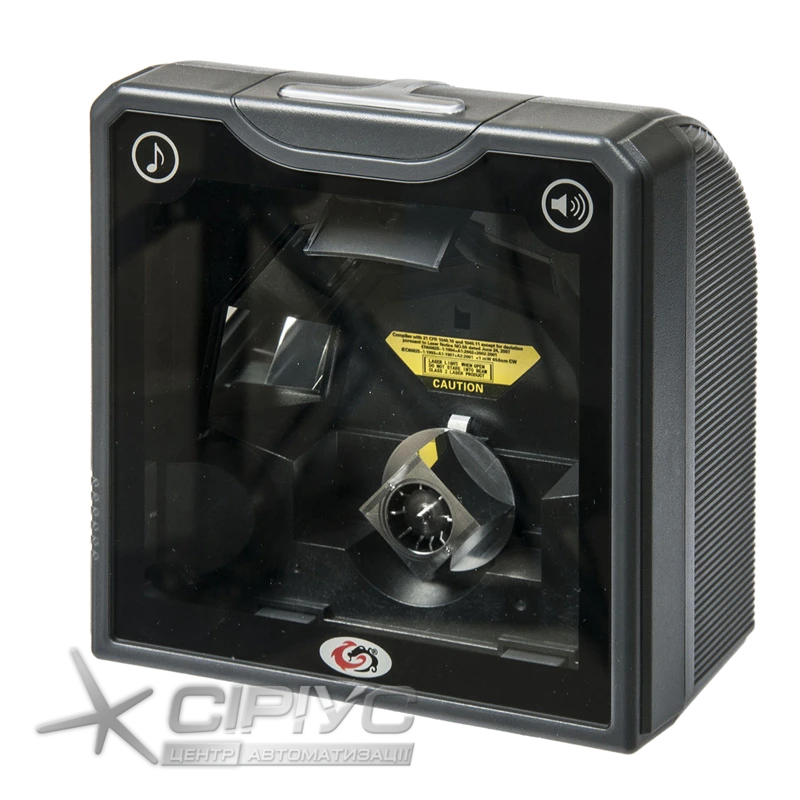
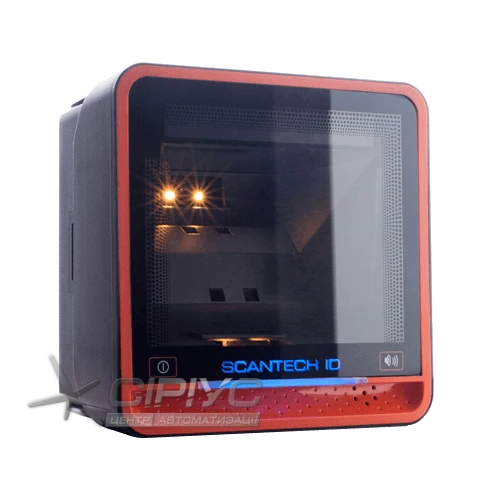
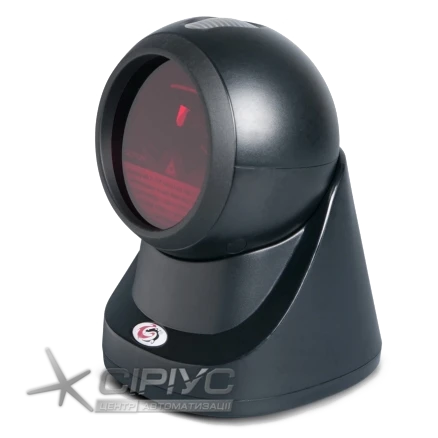
Number of scanning beams — single-beam/multi-beam. This parameter determines in what way one can pass goods past the scanner, which affects operating speed. In front of single-beam scanners, goods must be passed only perpendicular to the scanning surface. Multi-beam barcode scanners do not have such restrictions, which increases operating speed.
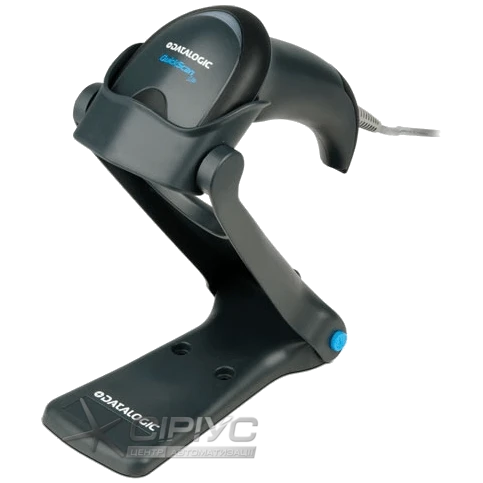
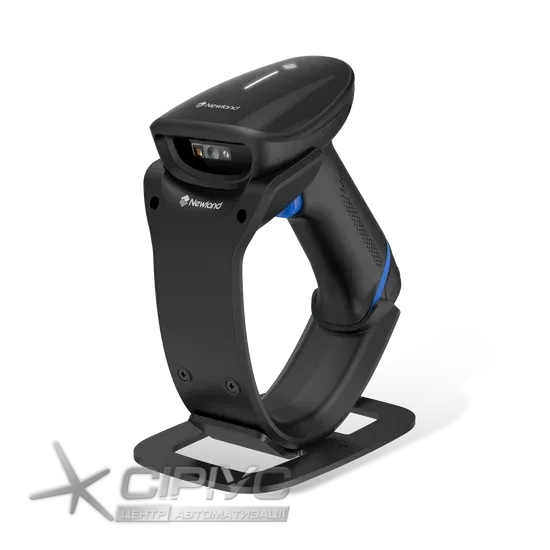
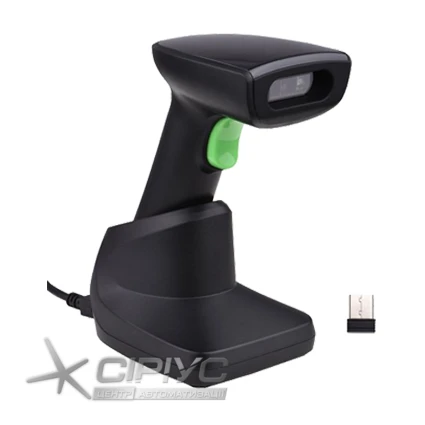
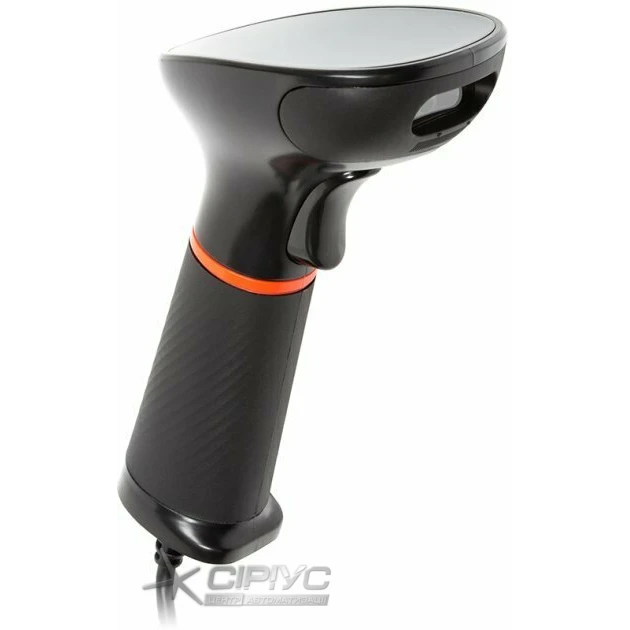
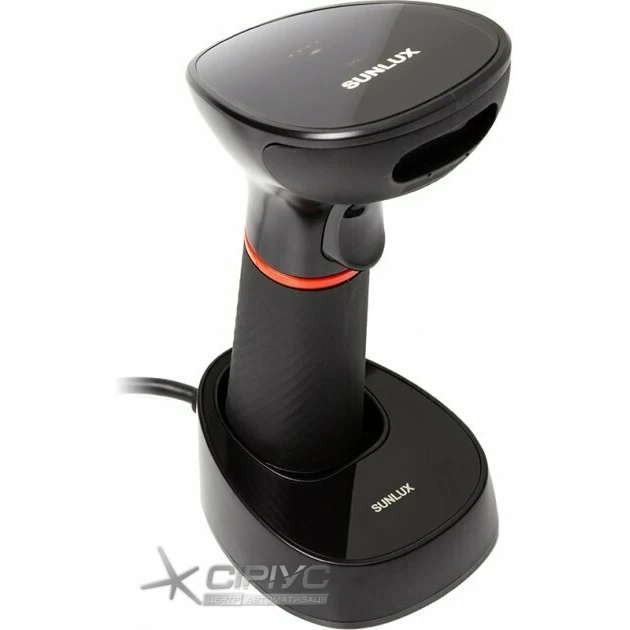
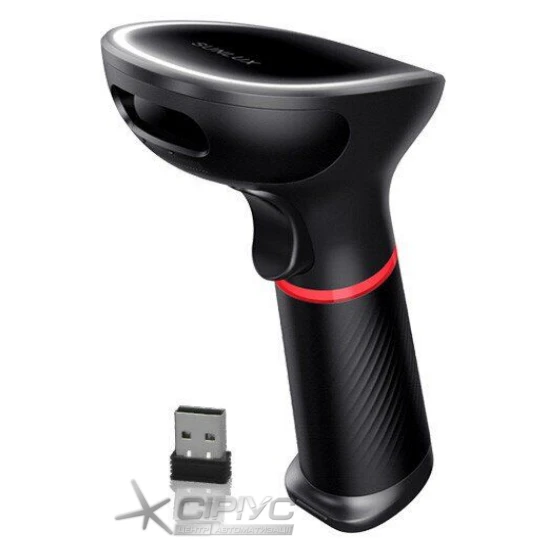
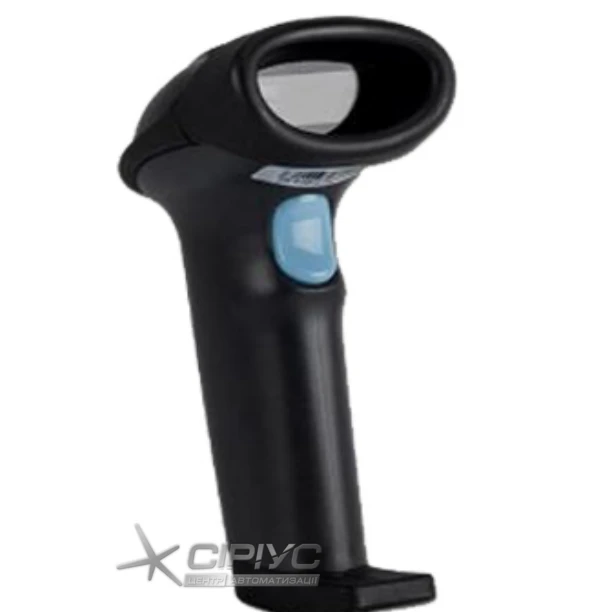
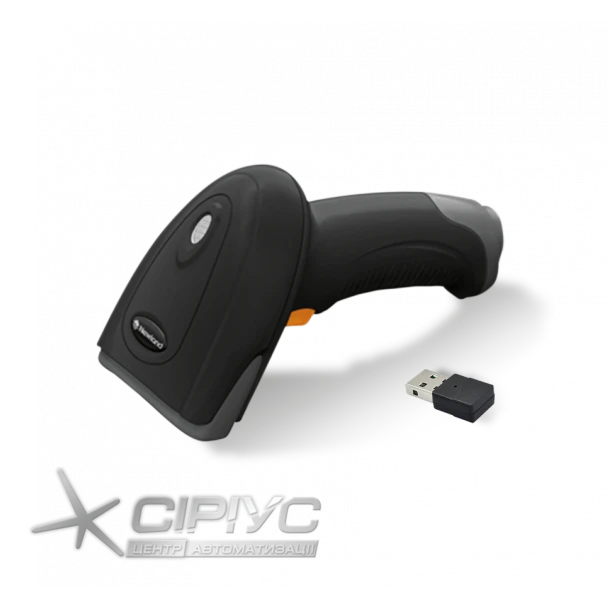
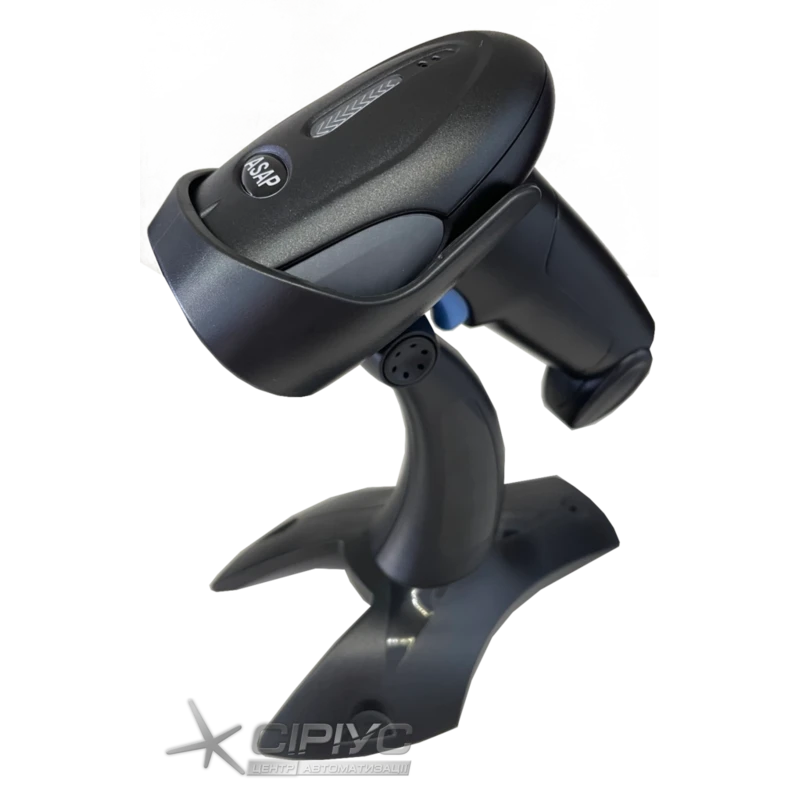
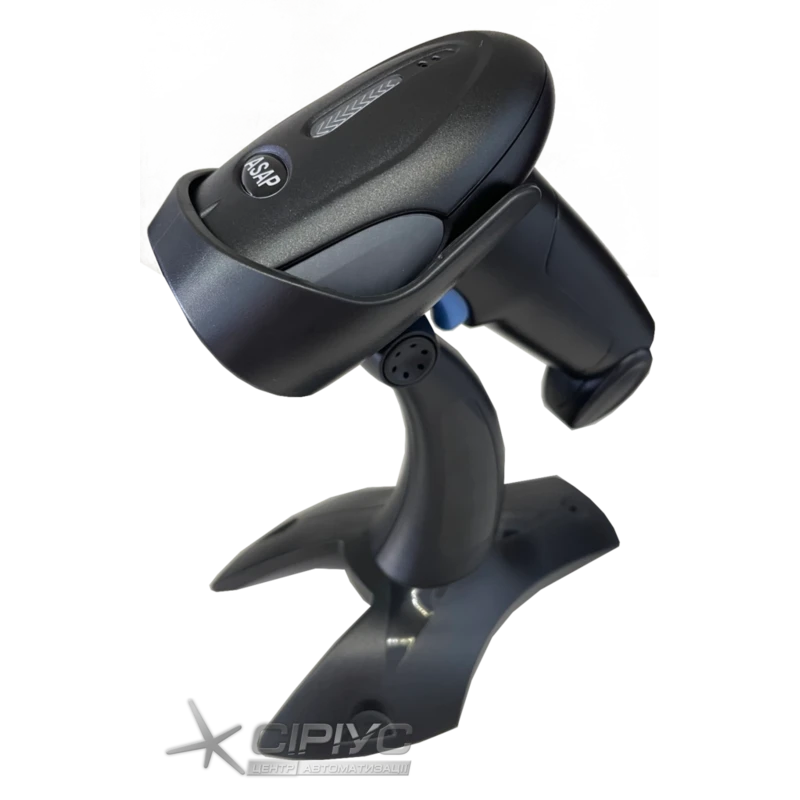
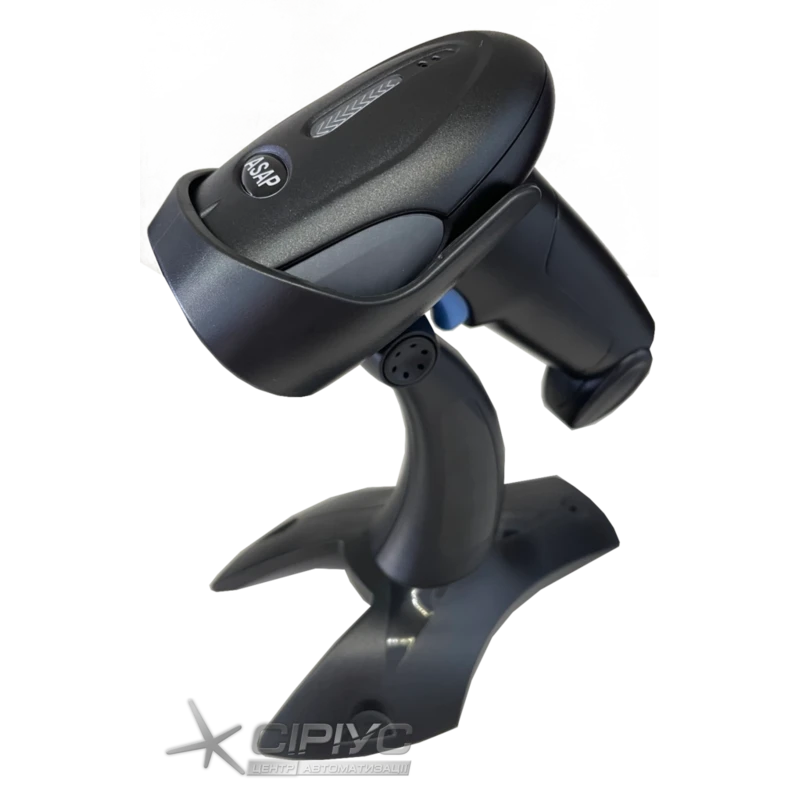
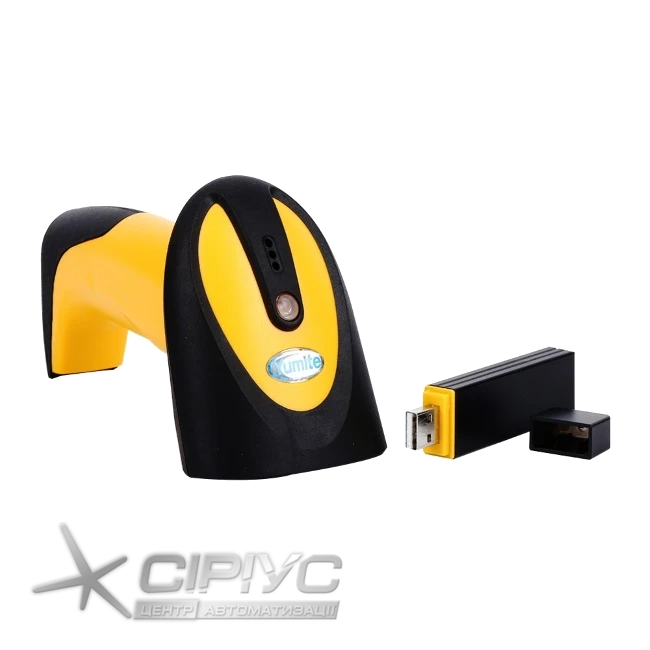
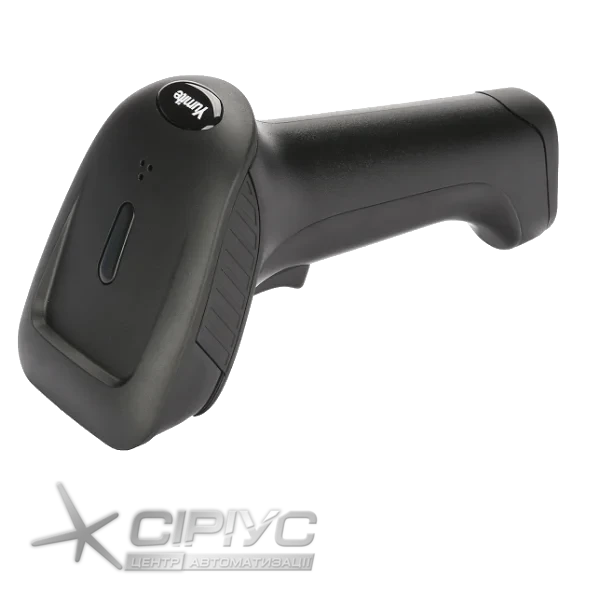
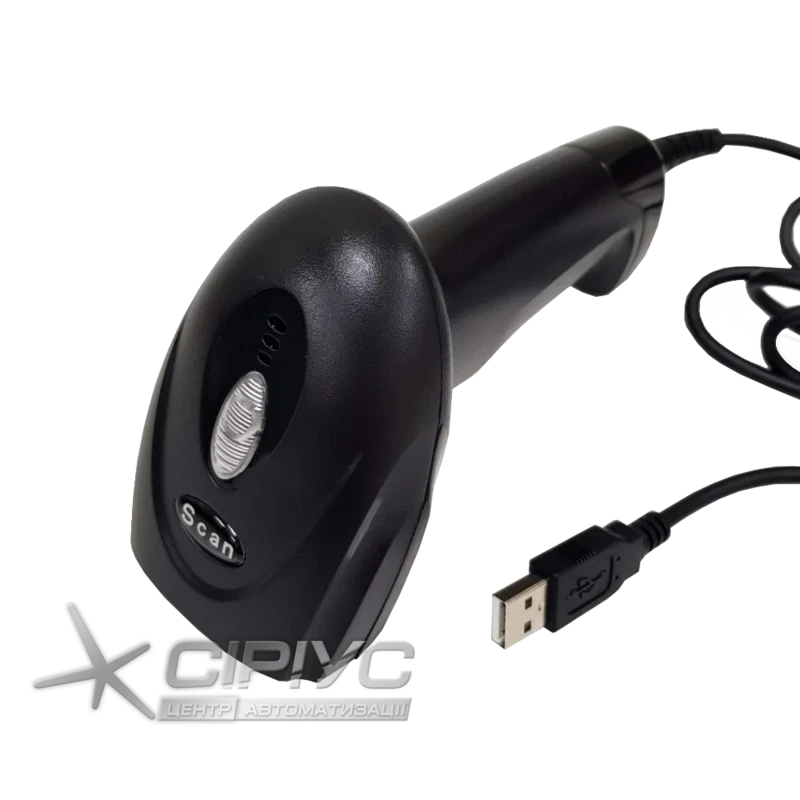
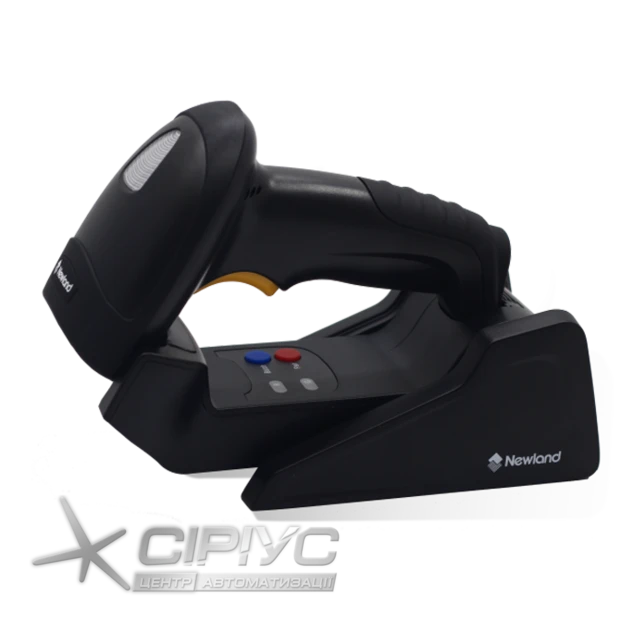
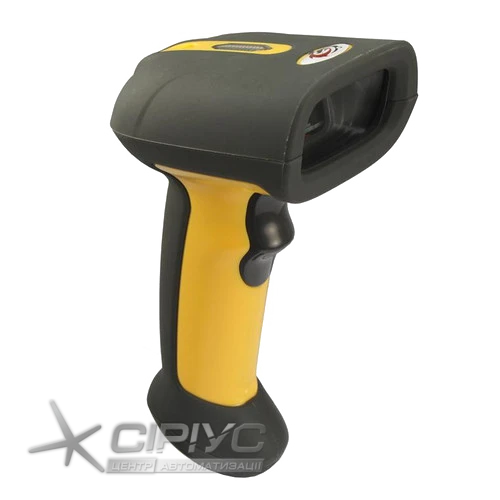
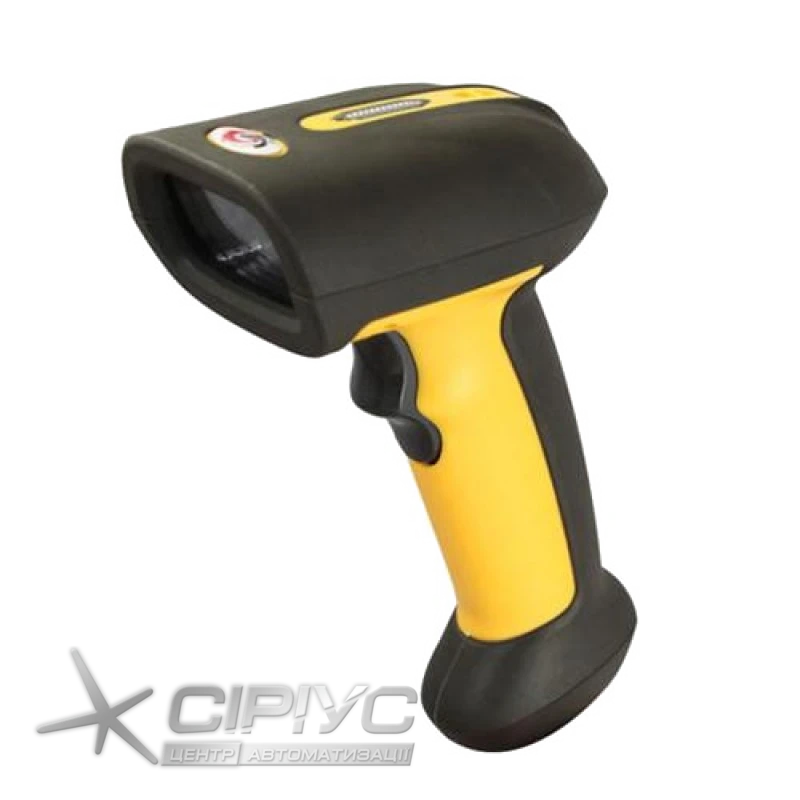
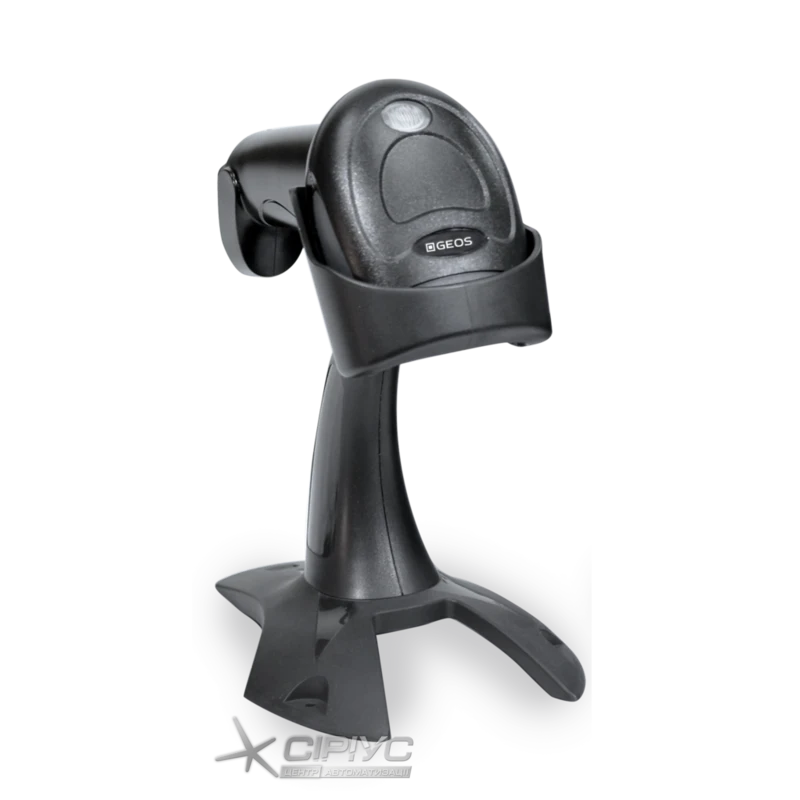
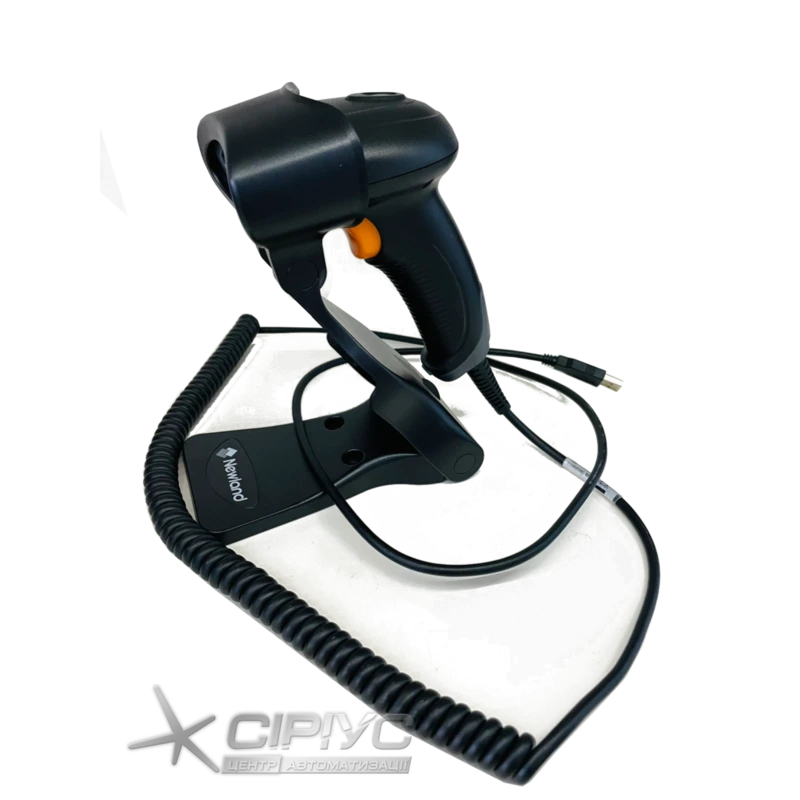
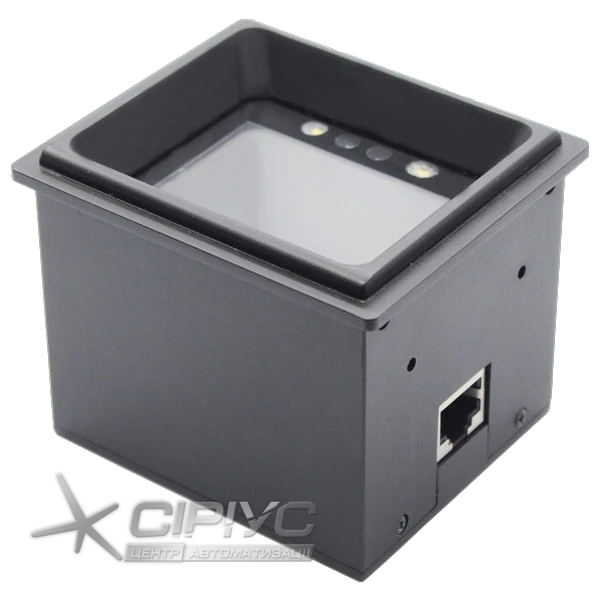
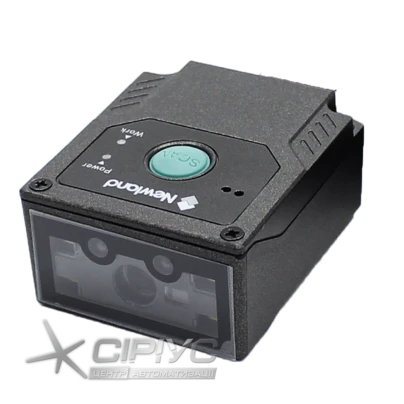
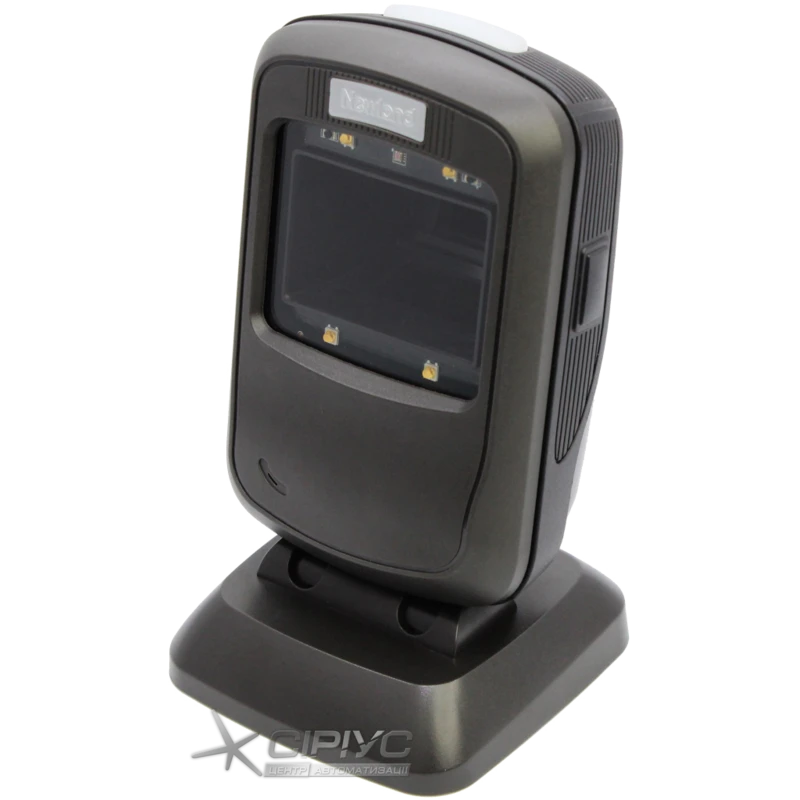
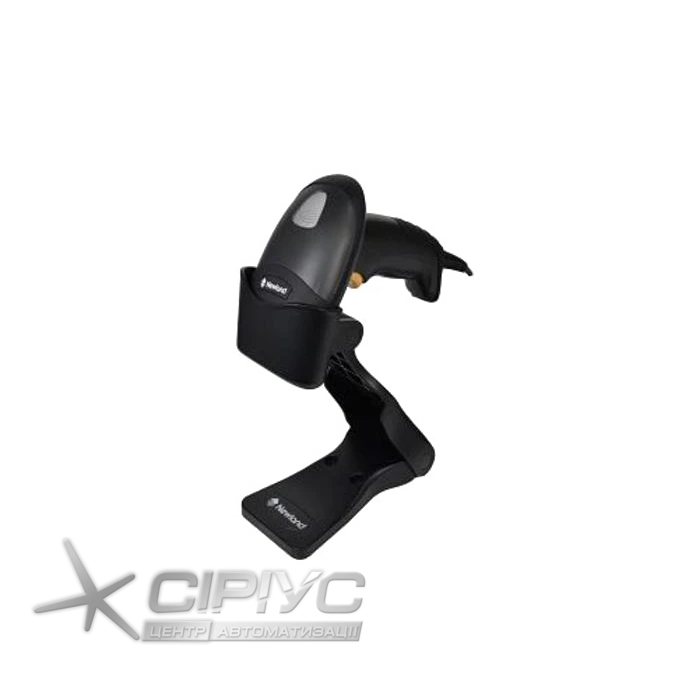
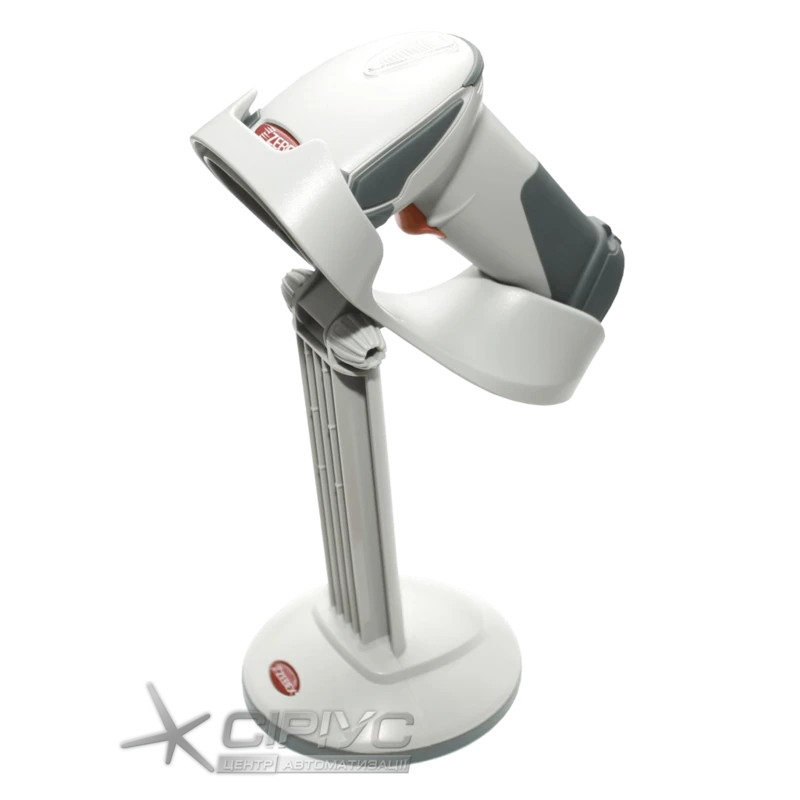
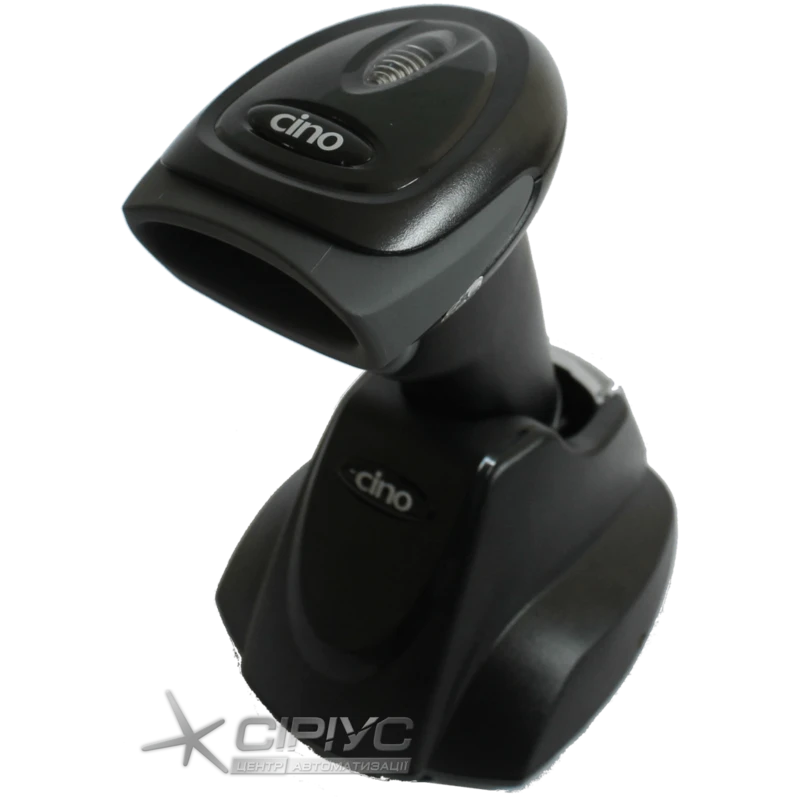
Form factor — handheld and stationary. Usually handheld scanners — single-beam, and stationary — multi-beam. But there are exceptions to this rule. For example, Honywell MK3780 Fusion — a handheld multi-beam scanner. Handheld barcode scanners may include stands in the kit. For some budget scanners, stands are purchased separately.
Read rate — number of scans per second. The higher this indicator, the more «sensitive» the barcode scanner is. This increases convenience and work efficiency.
Barcode types — in Ukraine, barcodes of the EAN-13 and EAN-8 standards are used, which are read by all barcode scanners. This parameter matters in rare cases, for example, if your enterprise uses a QR code or other 2D bar code formats (barcodes) for internal needs.
Reading distance — measured in mm; the optimal distance is considered to be from 80 mm.
Different barcode reading technologies
LED barcode scanners — the oldest and quite primitive.
Laser barcode scanners — today the most common type of barcode scanners. They are distinguished by high quality and reading distance. The only drawback is considered to be the presence of moving elements in the optical component of the scanning part, which can be damaged upon impact. Most manufacturers try to compensate for this drawback with shock-resistant housings.
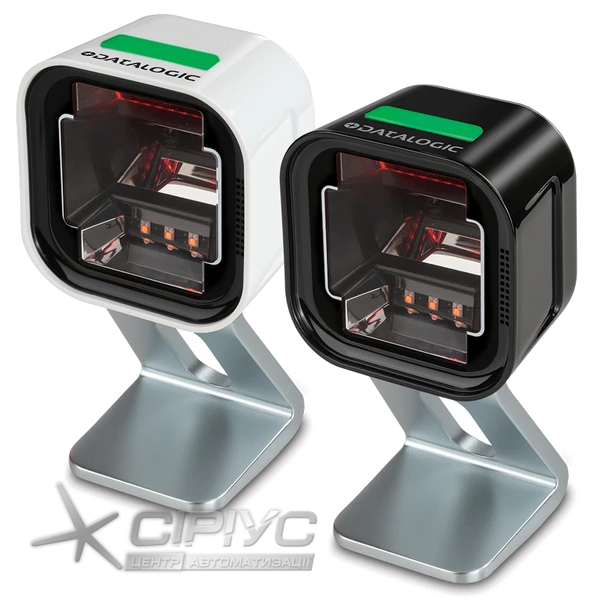
Image (photo) — new-generation scanners that use Image-technology. Although this technology appeared quite a long time ago, it is considered the most modern. The advantages of an Image-scanner are practically the same, as those of laser scanners, but this type of barcode scanner has one plus — they have no moving parts. In some cases, it is better to use this technology. For example, when reading a barcode from blister packaging, which is often used for medicines. Image scanners from Datalogic. are well suited for this purpose.
Connection type
USB port — mainly emulates the operation of KBW or RS-232 scanners. By default, all USB scanners are configured to emulate KBW (keyboard wedge). Does not require drivers.
KBW (keyboard wedge) — the scanner's own cable is split; one connector is plugged into the keyboard port, and the keyboard itself is connected to the second. The scanner seems to wedge in between the keyboard and the system unit. When scanning a barcode, it emulates keyboard operation. Does not require drivers.
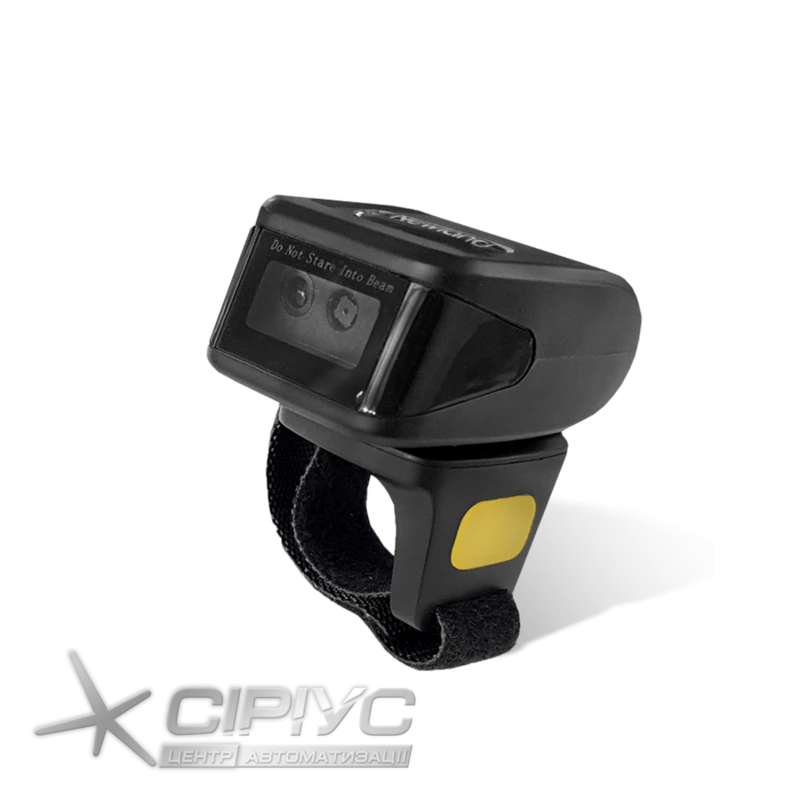
Bluetooth and Wi-Fi connection — as the name implies, they are used only in wireless scanners.
COM (RS-232) — has recently become less and less common, but is sometimes still used for connecting to specific equipment, such as cash registers. When connected to a PC, it requires a driver. RS-232 scanners require an additional power supply to be connected.
Brand (barcode scanner manufacturers) — currently represented on the market: Datalogic, Honywell (formerly Metrologic), Argox, CINO, Symbol (a brand of Motorola).