
Touchscreen equipment
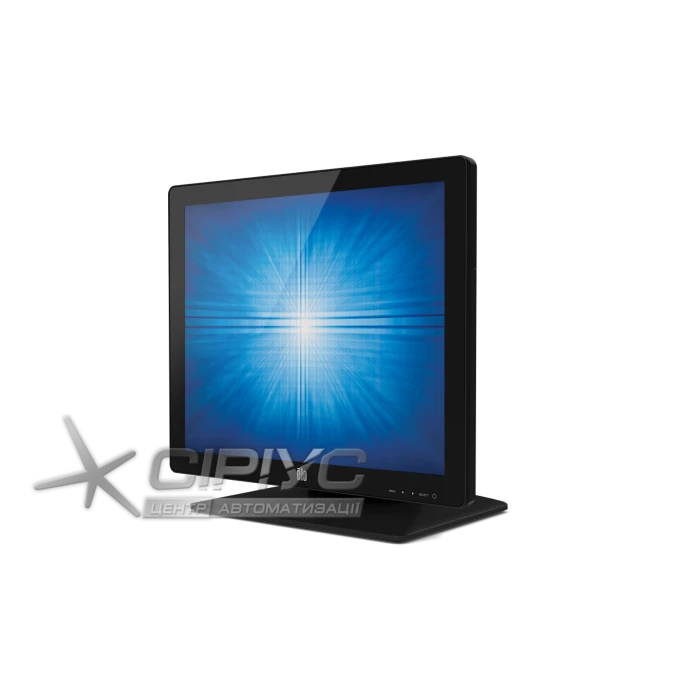
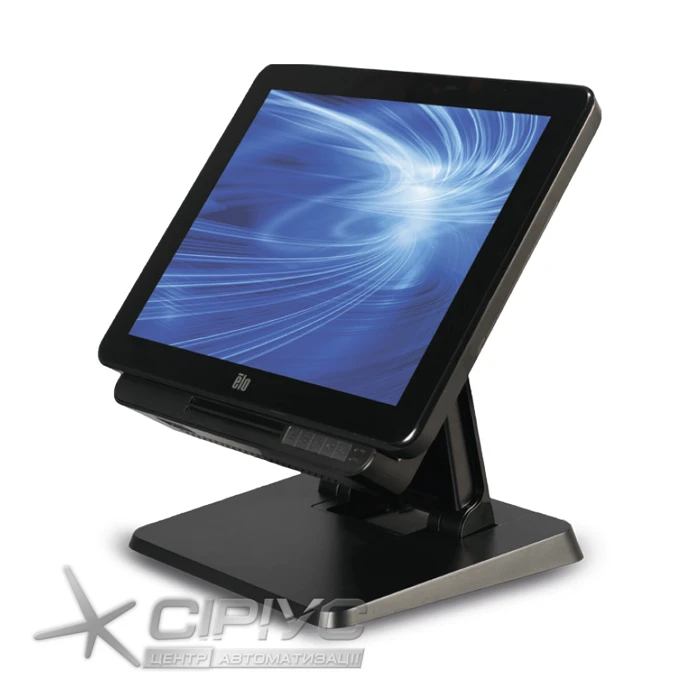
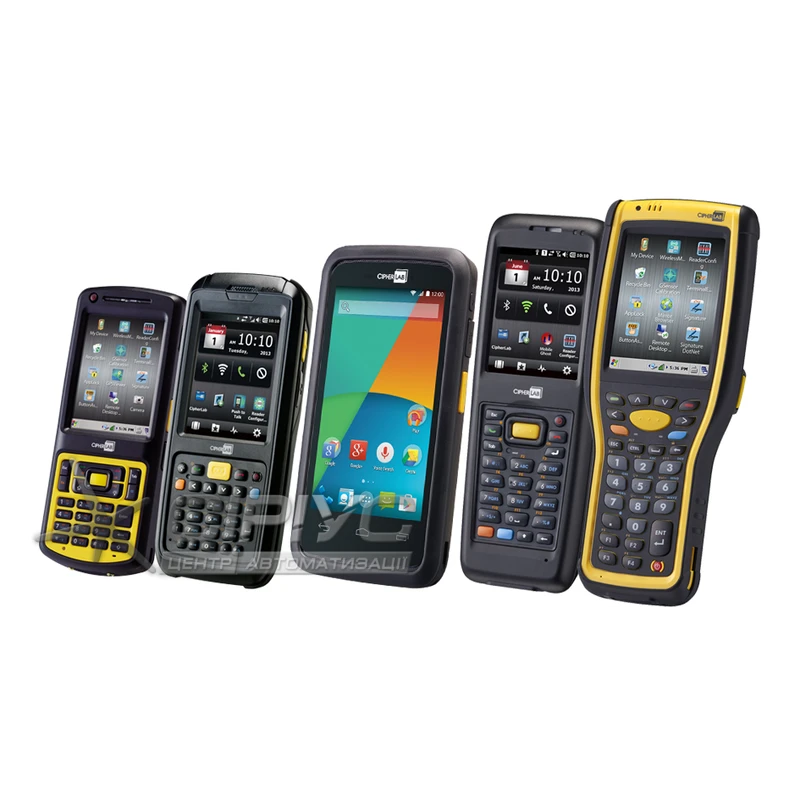
Today, there are several common ways to use touchscreen terminals and monitors in a warehouse.
Let’s start with the first, fairly familiar approach. Warehouse owners often replace a standard computer with touchscreen equipment. This immediately raises the question: why? And does it really benefit them? It might seem that nothing could be simpler than buying a standard PC, which is easy to repair if a fault occurs during warehouse operations.
In practice, however, warehouse owners who have replaced standard PCs at their businesses with touchscreen all-in-one computers prove to be more resourceful than their competitors, since this can help them optimize costs. The reason is the harsh conditions that warehouse equipment has to withstand. Every warehouse has dust and dirt everywhere, sometimes in very large quantities. Unfortunately, it is practically impossible to eliminate them, and once they get inside a computer, they cause numerous faults and significantly shorten its trouble-free service life.
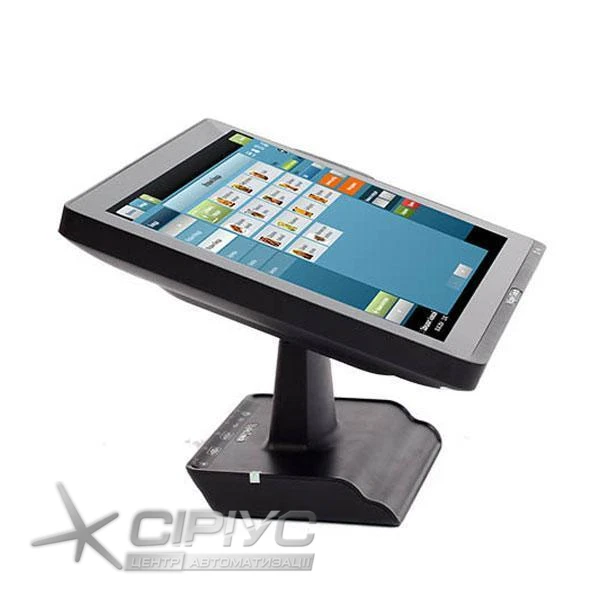
Manufacturers of touchscreen terminals know in advance that their devices will face heavy workloads: they may be used not only in warehouses, but also, for example, in busy hypermarkets. That is why they typically put their touchscreen systems through extensive testing. They subject them to heavy loads, test them at high and low temperatures, assess their resistance to dust, dirt and moisture, check their ability to withstand electrostatic discharges, and test their response to voltage surges. As a result, this equipment is given a high protection rating. When choosing a device, we strongly recommend checking the test results.
Thanks to their high protection rating, touchscreen devices in warehouses are more durable. While a standard computer may be used for 3-5 years, an all-in-one computer can last up to 7 years. At the same time, a standard computer and a touchscreen terminal cost roughly the same.
Another important advantage of all-in-one computers over standard PCs for any business is that they can be connected to a variety of barcode scanners. Some scanners have specialized connectors that standard PCs do not provide, such as COM or USB ports with 12 or 24 V power. Manufacturers of touchscreen systems know in advance that these devices will need to communicate with such non-standard equipment, so they include these ports. An important tip when choosing a terminal is to select a model with plenty of ports for connecting different devices.
The second, more interesting way to use a touchscreen all-in-one computer in a warehouse is as an information kiosk. First, let’s clarify what an information kiosk is. It is an interactive, automated service terminal connected to a business’s unified information network and equipped with a built-in barcode scanner. It allows users to check a product’s price and get more information about its consumer properties. They simply hold the product’s barcode label up to the information kiosk’s scanner window. In a warehouse, an information kiosk serves as a reference point that helps employees quickly find a product or get information about it.
However, the relatively high cost of this equipment limits its widespread use in warehouses. Affordable information kiosks often offer only price-checker functions, allowing users to find out the price of a product. Expanding their functionality can be expensive.
Touchscreen equipment offers a solution. It can be mounted on a wall, which saves a significant amount of space. In addition to being more durable thanks to their high protection rating, as noted above, these devices offer an expanded range of information kiosk functions. Their large screens are another advantage: for example, an information kiosk display can be up to 12 inches, while a terminal display can be 15-21 inches. This means more information can be shown on screen, and it will be much easier to read. Touchscreen all-in-one computers can also serve as an additional marketing tool: during idle periods, their displays can show ads and notify customers about current promotions and special bonus offers.
This means touchscreen equipment can be used not only in traditional warehouses, but also in DIY stores, where the sales floor is much like a warehouse. In this case, the all-in-one computer can display not only product prices, locations and specifications, but also usage tips. For example, a customer may not know which adhesive is best for the wallpaper they have chosen or how to mix the required filler correctly. By scanning the product’s barcode, they can get the answers.
We have covered the two most common ways to use what may seem like highly specialized equipment: touchscreen devices in a warehouse. This departure from the traditional approach may help warehouse owners save time and money while opening up new opportunities to improve their businesses, take them to the next level and gain a competitive edge.